How to Right Size GPU Instances for ML Workloads
Stop overpaying for idle silicon and eliminate OOM errors with a data-driven approach to infrastructure.

Caspar Lehmkühler
January 14, 2026 · Head of Product at Lyceum Technologies
The industry has a bad habit of throwing the most expensive hardware at every problem. When a model fails, the immediate reaction is often to upgrade to an NVIDIA H100 without checking if the bottleneck is actually memory bandwidth or interconnect speed. This approach is not just expensive, it is technically lazy. At Lyceum Technology, we see teams struggling with the friction between infrastructure complexity and research velocity. Choosing the right instance requires a deep understanding of your specific workload's architecture. Whether you are fine-tuning a 70B parameter model or running high-throughput inference, the goal is to saturate the hardware you pay for while maintaining a buffer for peak loads. This guide breaks down the technical variables that dictate performance so you can build a sovereign, efficient stack.
The VRAM Wall: Calculating Your Memory Floor

Memory is the most common failure point in machine learning infrastructure. If your model does not fit into Video RAM (VRAM), it does not run. Period. Calculating your memory floor is the first step in avoiding the dreaded Out-of-Memory (OOM) error. For a standard transformer model, the weights alone take up significant space. In 16-bit precision (FP16 or BF16), each parameter requires 2 bytes. A 7B parameter model needs roughly 14GB just to load the weights into memory.
Calculating Total VRAM Requirements
Loading the model is only the beginning. During training, you must account for optimizer states and gradients. If you use the Adam optimizer, it requires 8 bytes per parameter for the optimizer states alone. This means your 7B model now requires 14GB for weights plus 56GB for optimizer states, totaling 70GB before you even consider the batch size or activations. According to a 2025 technical report from Hugging Face, failing to account for the KV cache during inference is another primary cause of unexpected OOM errors in production environments.
- Model Weights: 2 bytes per parameter for FP16/BF16.
- Optimizer States: 8 bytes per parameter for Adam.
- Gradients: 2 bytes per parameter.
- Activations: Varies based on batch size and sequence length.
If you are running inference, the calculation changes. You no longer need space for optimizer states or gradients, but you must account for the KV cache, which grows linearly with sequence length and batch size. For long-context models, the KV cache can easily exceed the size of the model weights themselves. An NVIDIA A100 with 80GB of VRAM is often a better choice for long-context inference than a faster card with less memory.
Compute Throughput vs. Memory Bandwidth
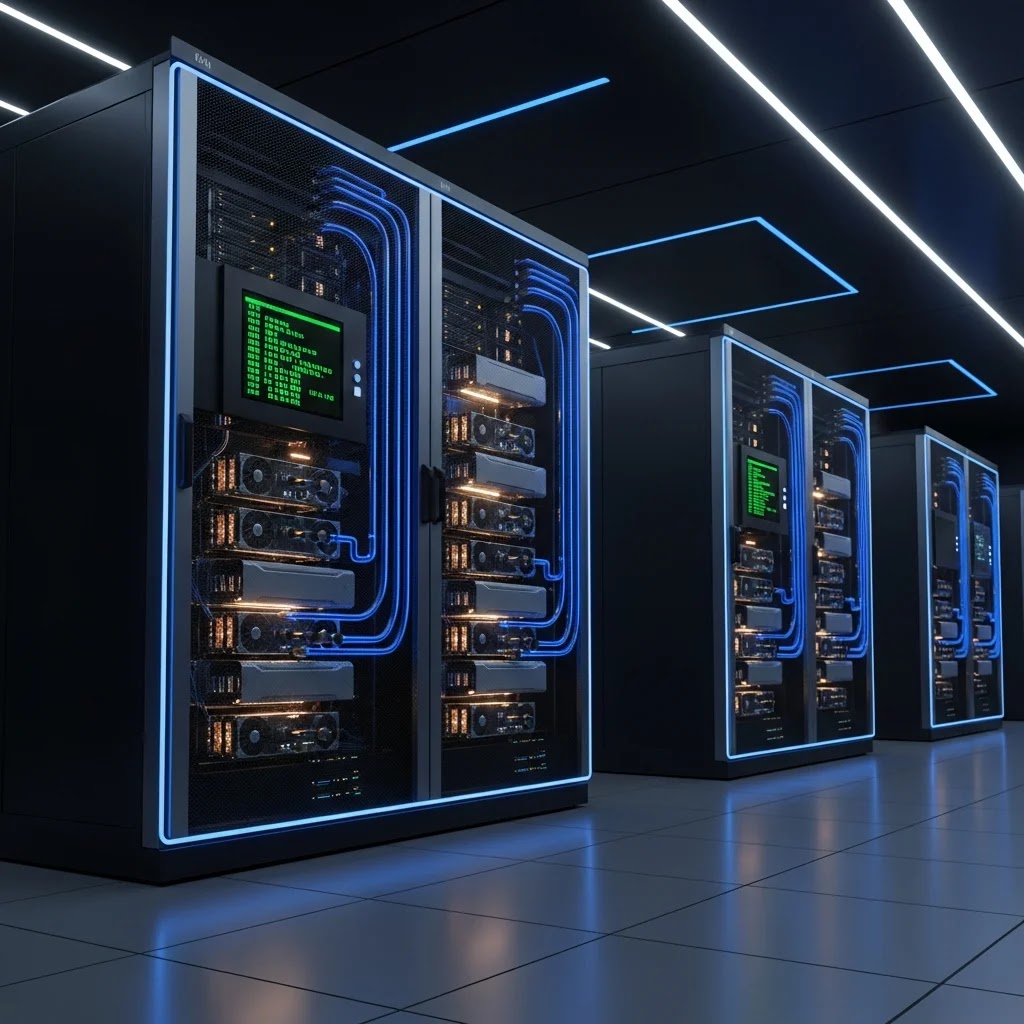
Once you have cleared the memory floor, the next decision is between compute throughput (TFLOPS) and memory bandwidth (GB/s). These two metrics define how fast your workload will actually run. Training workloads are typically compute-bound. They require massive amounts of raw floating-point operations to update weights. In these scenarios, the H100's Transformer Engine, which provides up to 3,958 TFLOPS of FP8 performance, offers a massive leap over the previous generation A100.
Many inference workloads are memory-bound. This is especially true for Large Language Models (LLMs) during the generation phase. The bottleneck is not how fast the GPU can compute the next token, but how fast it can move the model weights from VRAM to the processors. If your memory bandwidth is low, your high TFLOPS will sit idle. The NVIDIA L40S, for example, offers excellent compute performance but lacks the high-bandwidth memory (HBM3) found in the H100, making it less ideal for certain high-throughput LLM serving scenarios.
Consider the following scenario: You are deploying a real-time translation service. Low latency is your primary KPI. In this case, choosing an instance with high memory bandwidth is more critical than raw TFLOPS. If you are pre-training a model from scratch, the raw compute power and interconnect speed become the dominant factors. Our internal benchmarks at Lyceum show that for distributed training, the interconnect speed often matters more than the individual GPU's speed once you scale beyond a single node.
Interconnects: Why NVLink Changes the Math
When a single GPU is not enough, you must scale horizontally. The interconnect is often the silent killer of performance. Standard PCIe Gen4 or Gen5 slots provide a fraction of the bandwidth compared to NVIDIA's proprietary NVLink. If your workload requires frequent communication between GPUs, such as All-Reduce operations in distributed training, PCIe will create a massive bottleneck.
NVLink Bandwidth Advantages for Multi-GPU
An H100 with NVLink provides up to 900 GB/s of GPU-to-GPU bandwidth. Compare this to the roughly 64 GB/s provided by a PCIe Gen5 x16 slot. If you are running a multi-GPU setup without NVLink, your GPUs will spend a significant portion of their time waiting for data to transfer, leading to poor scaling efficiency. According to 2025 infrastructure data, scaling efficiency can drop below 50 percent on PCIe-based clusters for large-scale training tasks.
- Single-Node Training: Use NVLink-enabled instances to ensure maximum throughput between the 8 GPUs typically found in a HGX baseboard.
- Multi-Node Training: Look for InfiniBand or high-speed Ethernet (400Gbps+) with RDMA support to minimize latency between servers.
- Inference Clusters: If you are using model parallelism (tensor or pipeline) to fit a large model across multiple GPUs, NVLink is still highly recommended to maintain low latency.
At Lyceum, our Protocol3 orchestration layer automatically detects the interconnect topology of the underlying hardware. This allows us to place workloads on nodes that minimize communication overhead, ensuring that you are not paying for GPUs that are simply waiting on the network. For European startups, this level of optimization is critical for competing with well-funded US counterparts while maintaining data sovereignty.
Sovereignty and the Strategic Choice of Location
Right-sizing is not just about hardware specs; it is about where that hardware lives. For European enterprises, the legal and strategic implications of data residency are becoming as important as TFLOPS. Running sensitive ML workloads on US-based hyperscalers can introduce compliance risks under GDPR and the EU AI Act. When you choose a GPU instance, you must consider the entire lifecycle of your data.
A sovereign European cloud ensures that your training data, model weights, and inference logs never leave the jurisdiction. This is a strategic advantage, not just a legal checkbox. It allows you to build trust with your customers and ensures that your intellectual property is protected by local laws. Lyceum Technology provides this sovereign capacity, combining high-performance NVIDIA hardware with a strictly European operational footprint.
The cost of data egress from major hyperscalers can be a hidden trap. If you train your model in one cloud but need to move it to another for production, the transfer fees can be staggering. By using a specialized AI cloud like Lyceum, you avoid these predatory pricing models. We believe in radical transparency: you should know exactly where your data is processed and exactly what you are paying for, without the obfuscation common in the industry.
Cost Optimization and the Automated Predictor
Cost is the final factor in right-sizing. The most powerful GPU is not always the most cost-effective. For many fine-tuning tasks, an A100 or even an L40S might provide better value per dollar than an H100. Match the hardware to the specific precision requirements of your task. If your model supports FP8, the H100's efficiency is unmatched. If you are stuck with FP32 for legacy reasons, you are wasting the H100's potential.
Common cost management mistakes:
- Over-provisioning VRAM: Renting an 80GB card for a model that only needs 24GB.
- Ignoring Spot Instances: Failing to use interruptible capacity for non-time-sensitive training runs.
- Manual Configuration: Spending hours of expensive engineering time manually tuning batch sizes and hardware settings.
We developed the Automated GPU Configuration Predictor to solve this. This tool analyzes your model architecture and workload type to recommend the optimal instance size. It takes the guesswork out of the process, ensuring you have enough VRAM to avoid OOM errors while maximizing use. In an era where GPU availability is often constrained, being able to run your workload on a wider variety of hardware, not just the latest flagship cards,is a major operational advantage.
Decision Framework: Choosing Your Instance
This decision framework simplifies the selection process based on the primary constraint of the workload. Start by identifying if your task is memory-constrained, compute-constrained, or communication-constrained. This will immediately narrow down your hardware choices and prevent expensive misconfigurations.
| Workload Type | Primary Constraint | Recommended GPU | Key Feature |
|---|---|---|---|
| LLM Fine-tuning (7B-70B) | VRAM / Interconnect | A100 (80GB) or H100 | NVLink for multi-GPU |
| High-Throughput Inference | Memory Bandwidth | H100 or H200 | HBM3e Memory |
| Computer Vision / CNNs | Compute (TFLOPS) | L40S or A100 | High FP32/TF32 perf |
| Prototyping / Dev | Cost / Availability | A6000 or L4 | Lower cost per hour |
The hardware landscape changes quickly. The release of the NVIDIA Blackwell architecture in late 2024 and its rollout through 2025 has shifted the baseline for what constitutes high performance. However, for many enterprise applications, the reliability and availability of the Hopper (H100) and Ampere (A100) generations remain the gold standard. The goal is not to have the newest chip, but the one that delivers the best results for your specific budget and compliance requirements.