GPU Selection Guide for ML Training: 2026 Performance Benchmarks
Navigating VRAM bottlenecks, interconnect speeds, and sovereign infrastructure for large-scale model development.

Caspar Lehmkühler
January 23, 2026 · Head of Product at Lyceum Technologies

The era of 'just throw more compute at it' is over. As we move into 2026, the bottleneck for machine learning training has shifted from raw TFLOPS to memory wall limitations and interconnect saturation. For European startups and enterprises, this challenge is compounded by the need for data sovereignty and the rising costs of US-based hyperscalers. At Lyceum Technology, we see engineers struggling with the same friction points: OOM errors during peak training cycles, opaque pricing models, and the technical debt of managing complex infrastructure. This guide is designed to cut through the marketing noise and provide a technical framework for selecting the right GPU architecture based on your specific model requirements and strategic goals.
The Memory Wall: Why VRAM Capacity Dictates Your Architecture
In 2026, the primary constraint for training state-of-the-art models is no longer just compute cycles, it is the available Video Random Access Memory (VRAM) and the speed at which data moves between that memory and the GPU cores. As model parameters continue to scale, the 'Memory Wall' has become the single biggest cause of training failure. If your model weights, gradients, and optimizer states exceed the available VRAM, you are forced into aggressive sharding or offloading, both of which introduce significant latency.
VRAM Requirements by Model Scale
According to NVIDIA's 2025 technical documentation, the transition to HBM3e memory has provided a necessary jump in bandwidth, but capacity remains the bottleneck for single-node training of models exceeding 70B parameters. For instance, training a Llama 3.1 405B variant requires massive distributed memory across multiple nodes. If you are working with 16-bit precision (FP16 or BF16), you need approximately 2 bytes per parameter just for the weights. When you add optimizer states (often 8-12 bytes per parameter for Adam optimizer) and activations, the memory footprint explodes.
- NVIDIA B200 (Blackwell): 192GB HBM3e VRAM. This is the current flagship, designed for massive LLM training where memory density is critical.
- NVIDIA H200 (Hopper): 141GB HBM3e VRAM. A significant upgrade over the H100, specifically targeting the memory bottleneck for inference and fine-tuning.
- NVIDIA H100: 80GB HBM3 VRAM. Still a workhorse for many, but increasingly limited for large-scale pre-training without extensive model parallelism.
At Lyceum, we developed our Automated GPU Configuration Predictor to solve this exact problem. Instead of guessing how many H100s you need and hitting an OOM error six hours into a run, our tool analyzes your model architecture and predicts the optimal VRAM-to-compute ratio. This prevents over-provisioning and ensures your training job actually finishes.
Blackwell vs. Hopper: Benchmarking the 2026 Landscape
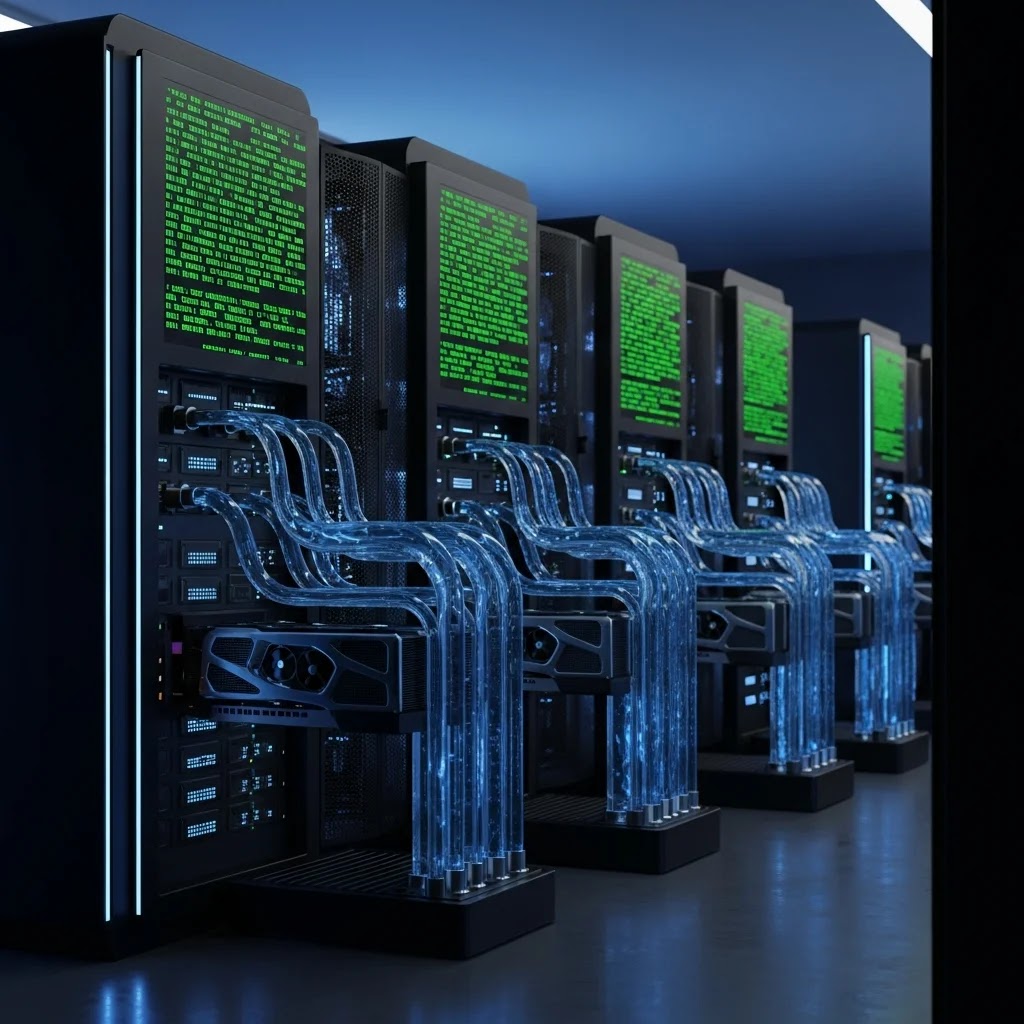
The jump from the Hopper architecture (H100/H200) to Blackwell (B200) represents more than just a generational increase in speed. It is a fundamental shift in how we handle FP8 and FP4 precision training. For teams looking to optimize for 2026 standards, understanding these architectural differences is vital for long-term infrastructure planning.
The B200 utilizes a second-generation Transformer Engine that significantly accelerates training for models using lower precision. While the H100 was revolutionary for FP8, the B200 doubles down on this efficiency, offering up to 4x the training performance for specific LLM workloads compared to the H100. However, raw performance is only half the story. The power consumption of a B200 cluster is substantially higher, requiring specialized liquid cooling solutions that many traditional data centers cannot support.
Consider this scenario: A mid-sized European AI lab is deciding between a cluster of 32 H200s or 16 B200s. While the B200s offer more VRAM per chip, the H200 cluster might provide better availability and lower immediate costs. However, the B200's support for NVLink 5.0 (providing 1.8TB/s of bidirectional bandwidth) means that as you scale to hundreds of GPUs, the Blackwell architecture will maintain much higher efficiency. For pre-training from scratch, Blackwell is the clear winner. For fine-tuning existing models like Mistral or Llama, the H200 remains a highly efficient and more accessible choice.
The Interconnect Bottleneck: NVLink vs. PCIe
One of the most common mistakes we see at Lyceum is engineers focusing solely on the GPU model while ignoring the interconnect. If you are training across multiple GPUs, the speed at which those GPUs talk to each other is just as important as the speed of the GPUs themselves. Without a high-speed interconnect like NVLink, your GPUs will spend more time waiting for data than actually processing it.
NVLink vs. PCIe Bandwidth Comparison
PCIe Gen5, while fast for general computing, is a massive bottleneck for distributed ML training. In a multi-node setup, you also need to consider the network fabric. InfiniBand NDR (400Gb/s) or the newer 800Gb/s standards are mandatory for large-scale synchronization. If your provider offers 'H100s' but connects them via standard 10GbE or even 100GbE without RDMA, your scaling efficiency will drop off a cliff after just 4 or 8 GPUs.
- Intra-node communication: NVLink allows GPUs within the same server to share memory and data at speeds up to 1.8TB/s (Blackwell). This is essential for Tensor Parallelism.
- Inter-node communication: For clusters spanning multiple servers, InfiniBand or high-end RoCE (RDMA over Converged Ethernet) is required to maintain low latency during gradient synchronization.
- The 'Cheap GPU' Trap: Many low-cost cloud providers offer consumer-grade GPUs or L40S cards without NVLink. While these are great for single-GPU inference, they are a nightmare for distributed training.
Our Protocol3 Orchestration Layer was built to abstract this complexity. It automatically detects the interconnect topology of the underlying hardware and optimizes the communication collective (like NCCL) to ensure you get the maximum possible throughput from your cluster, whether you are on Lyceum Cloud or a hybrid setup.
Sovereignty and the Strategic Importance of European Compute
For European startups and enterprises, GPU selection is no longer just a technical decision, it is a legal and strategic one. Relying on US-based hyperscalers introduces risks related to the Cloud Act, GDPR compliance, and data sovereignty. In 2025, we saw a significant shift as European organizations began prioritizing 'Sovereign AI' to ensure their intellectual property and user data remain under European jurisdiction.
Lyceum Technology was founded in Berlin and Zurich specifically to address this need. We provide a sovereign European GPU cloud that adheres to the highest data protection standards while offering performance that rivals or exceeds the global giants. When you train on Lyceum Cloud, your data never leaves the continent, and you are not subject to the extraterritorial reach of non-European laws. This is particularly critical for sectors like healthcare, finance, and government, where data residency is a hard requirement.
Beyond compliance, there is the issue of 'vendor lock-in.' US hyperscalers often use proprietary software layers that make it difficult to migrate your workloads. We take a radically transparent approach. Our VS Code Extension and orchestration tools are designed to be user-centric and open, allowing you to run workloads with one-click deployment without being trapped in a closed ecosystem. We believe that the future of AI in Europe depends on high-performance compute that is both powerful and politically autonomous.
Decision Framework: Which GPU Should You Choose?
To simplify the selection process, we have developed a decision framework based on the scale of your project. Choosing the right hardware is about matching the GPU's strengths to your model's specific needs.
- Scenario A: Fine-tuning a 7B to 14B parameter model. You don't need a B200 cluster for this. An NVIDIA L40S or even an A100 (80GB) is more than sufficient. The L40S is particularly cost-effective for these workloads as it offers high TFLOPS for FP8 without the premium price of HBM3e memory.
- Scenario B: Training a 70B parameter model from scratch. This requires high VRAM and fast interconnects. A cluster of H200s is the sweet spot here. The 141GB of VRAM allows for larger batch sizes, which improves training stability and speed.
- Scenario C: Large-scale Foundation Models (100B+ parameters). This is Blackwell territory. The B200's 192GB VRAM and NVLink 5.0 are essential for managing the massive communication overhead and memory requirements of these models.
Common mistakes include underestimating the memory needed for the optimizer (Adam uses a lot) and ignoring the 'cold start' time of provisioning GPUs on legacy clouds. Lyceum's platform eliminates these bottlenecks by providing pre-configured environments and automated hardware optimization, so you can go from code to training in minutes, not days.
Compare real-time GPU pricing for your selection. Try the GPU Pricing Calculator →
The Future of AI Infrastructure: Beyond the Chip
As we look toward the end of 2026, the focus is shifting from the GPUs themselves to the software layer that orchestrates them. The complexity of managing bare-metal GPU clusters is a distraction for AI researchers who should be focusing on model architecture and data quality. This is why we built the Lyceum AI-enabled GPU Orchestration Tool.
Our vision is a world where infrastructure is invisible. You shouldn't have to be a DevOps expert to run a multi-node training job. By abstracting away the complexity of driver versions, CUDA configurations, and network topology, we allow teams to be more agile. Radically transparent pricing and a commitment to European values mean you can scale your AI initiatives with confidence. Whether you are a CTO at a Berlin startup or an IT leader at a Zurich enterprise, the goal is the same: high-performance compute that just works, securely and efficiently.